
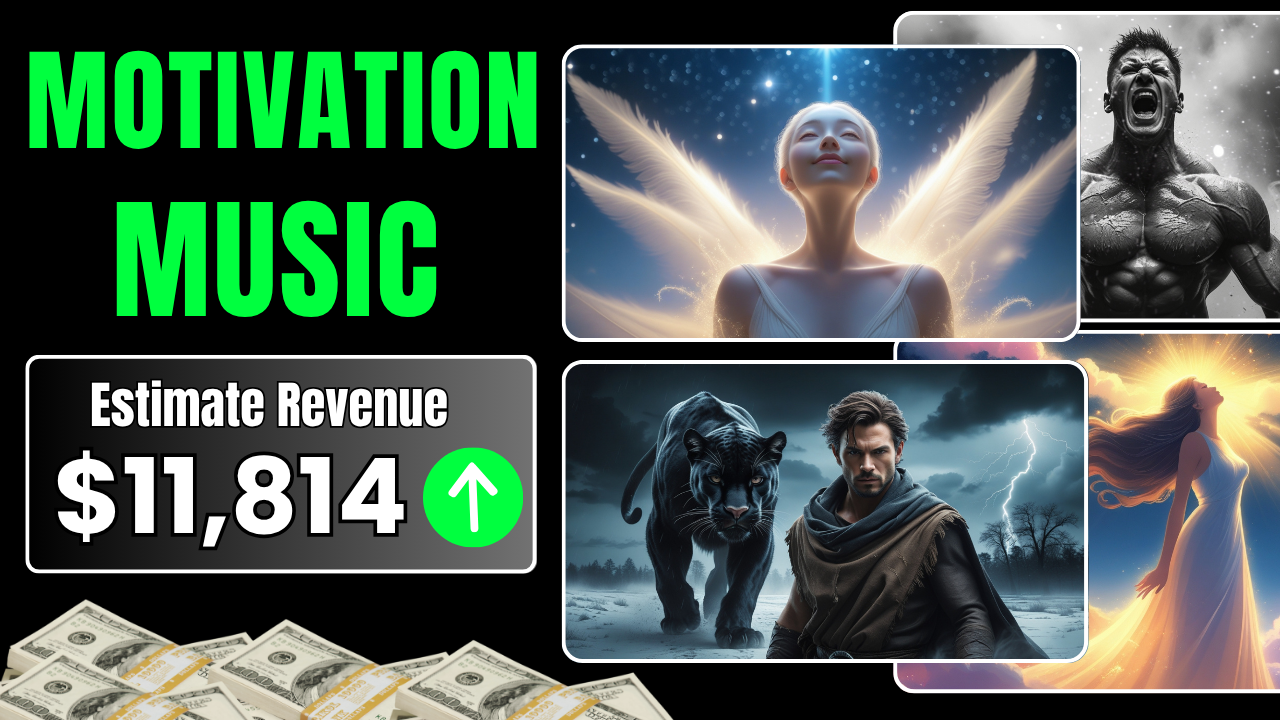
In today’s content-driven world, motivational music videos are exploding in popularity. Just look at channels like Team Fearless or Fearless Soul—they’ve amassed millions of subscribers and views by pairing inspiring audio with simple but powerful visuals.
The best part? You don’t need to be a music producer or a video editing expert to create content just like theirs. Thanks to new tools like Suno AI, ChatGPT, and Leonardo AI, anyone—even total beginners—can produce high-quality, viral motivational music videos in a matter of hours.
In this comprehensive guide, we’ll walk you through everything you need to know to start creating motivational music videos using Suno AI, from generating lyrics to producing visuals and editing the final product. Whether you’re looking to grow a YouTube channel, build a brand, or earn passive income online, this guide is your blueprint for success.
Why Motivational Music Videos Go Viral
Before diving into the tools, let’s understand the power of this niche.
Motivational content speaks directly to our emotions. It uplifts, empowers, and resonates with people going through struggles. When you combine motivational lyrics, cinematic visuals, and emotional music, you tap into a formula that triggers engagement, shares, and repeat views.
And thanks to platforms like YouTube Shorts, TikTok, and Instagram Reels, short motivational videos can quickly go viral—often without spending a dime on ads.
Meet the Tools: AI-Powered Content Creation
Here are the core tools we’ll use:
-
Suno AI – for creating professional-sounding, original songs using your lyrics.
-
ChatGPT – for generating motivational lyrics and image prompts.
-
Leonardo AI – to create cinematic images based on AI prompts.
-
CapCut – for editing your video, adding text, syncing lyrics, and exporting in high quality.
Let’s break it down step by step.
Step 1: Generate Motivational Lyrics with ChatGPT
Creating compelling lyrics is the foundation of your video. But don’t worry—you don’t need to be a poet or songwriter. You’ll use ChatGPT to generate high-impact motivational lyrics in seconds.
Here’s how:
-
Find inspiration. Look at trending motivational songs on YouTube. Copy the link to a popular one in your niche.
-
Ask ChatGPT:
Paste the video link and say:
“Do you know this song?”
Once ChatGPT recognizes it, ask:
“Can you write motivational lyrics in the same style?” -
Review and tweak the results until you’re happy.
💡 Pro Tip: Ask ChatGPT to match a specific tone—gritty, uplifting, bold, etc.—for better results.
Step 2: Create an Original Song with Suno AI
Here’s where the magic happens. Suno AI turns your written lyrics into full-fledged songs. No instruments, no vocals, no studio. Just AI.
How to use Suno AI:
-
Go to suno.com and click Sign In.
-
Use your Google, Microsoft, or email account to log in.
-
Click “Create a Song.”
-
Paste your lyrics from ChatGPT.
-
Add a style prompt (e.g., “cinematic hip-hop”, “epic soundtrack”, “lofi inspirational”).
-
Not sure what to use? Ask ChatGPT: “What music style matches these lyrics?”
-
-
Click Create and let Suno AI do its work.
🎵 Suno AI will generate two complete versions of your song. Listen to both and choose your favorite.
Once you’re satisfied, download the track directly to your computer.
🔒 Important: If you plan to publish the music on platforms like YouTube, consider upgrading to Suno Pro for commercial usage and copyright protection.
Step 3: Generate Stunning Visuals with Leonardo AI
Now that you’ve got your music, it’s time to create a visual backdrop that captures attention. Leonardo AI is an image generation platform that turns text prompts into high-quality, cinematic images.
What to do:
-
Visit leonardo.ai and sign in.
-
Select the Phoenix 1.0 model—perfect for cinematic visual styles.
-
Set dimensions to 16:9 (landscape) for YouTube and video formats.
-
Use ChatGPT again:
“Generate 10 AI image prompts for a motivational video similar to Team Fearless.” -
Choose a prompt and paste it into Leonardo AI.
-
Remove unnecessary elements like “headphones visible” if needed.
-
Click Generate and wait for your image to render.
-
Once done, download the image.
📸 You now have the perfect visual to pair with your song.
Step 4: Combine Audio and Visuals in CapCut
With both your music and image ready, let’s bring everything together using CapCut, a beginner-friendly video editor that’s free to use.
How to assemble your video:
-
Open CapCut and start a new project.
-
Import your AI-generated image and song.
-
Add Text Overlay at the beginning with a powerful hook.
-
Example: “Built For Days Like This”
-
-
Use Auto Lyrics to sync the lyrics from your song automatically.
-
Customize:
-
Fonts
-
Colors
-
Text animations
-
-
Add visual effects like snow, lens flares, or cinematic filters.
-
Once satisfied, export the video in 4K resolution for the best quality.
🎬 You now have a polished motivational music video ready to upload!
Step 5: Publish and Grow
Now it’s time to get your video out into the world.
Suggested platforms:
-
YouTube (especially YouTube Shorts)
-
Instagram Reels
-
TikTok
-
Facebook Watch
Use hashtags like:
-
#Motivation
-
#SunoAI
-
#AIContent
-
#DailyInspiration
📈 Don’t forget to optimize your video title and description with keywords like:
-
“Suno AI music video”
-
“AI-generated motivational content”
-
“Create music with AI”
Why This Strategy Works (And How to Scale It)
Here’s what makes this approach so powerful:
-
No special skills required – AI handles songwriting, composing, designing, and editing.
-
Scalable – You can create multiple videos per week or even per day.
-
High demand – Motivational content consistently performs well.
-
Monetizable – With enough traffic, you can earn from YouTube ads, affiliate links, or digital products.
Ways to scale:
-
Create a branded YouTube channel (e.g., “Daily Rise” or “Driven Mind”).
-
Batch create 5–10 videos in one weekend.
-
Repurpose the content for multiple platforms.
Final Thoughts: Why Suno AI is a Game-Changer
The rise of Suno AI and similar tools marks a turning point in digital content creation. You no longer need a production studio or a big budget to create engaging, high-quality content.
This democratization of creativity means anyone—from solo creators to entrepreneurs—can produce inspiring videos that build audiences, earn revenue, and make an impact.
So if you’ve been waiting for the “right time” to start a content channel or YouTube business, this is it. The tools are here. The demand is massive. All that’s left is for you to hit record (or in this case, generate).
Quick Recap: What You Need to Get Started
| Tool | Purpose | Cost |
|---|---|---|
| ChatGPT | Generate lyrics & prompts | Free / Plus |
| Suno AI | Create music from lyrics | Free / Pro |
| Leonardo AI | Design motivational images | Free credits available |
| CapCut | Edit video and sync lyrics | Free / Pro |
Ready to Go Viral with Suno AI?
Now you have everything you need to create motivational music videos that can go viral.
✅ No music skills
✅ No design skills
✅ No video editing experience
Just AI tools, creativity, and consistency.
Start today. Your first viral video is just a few prompts away.
