
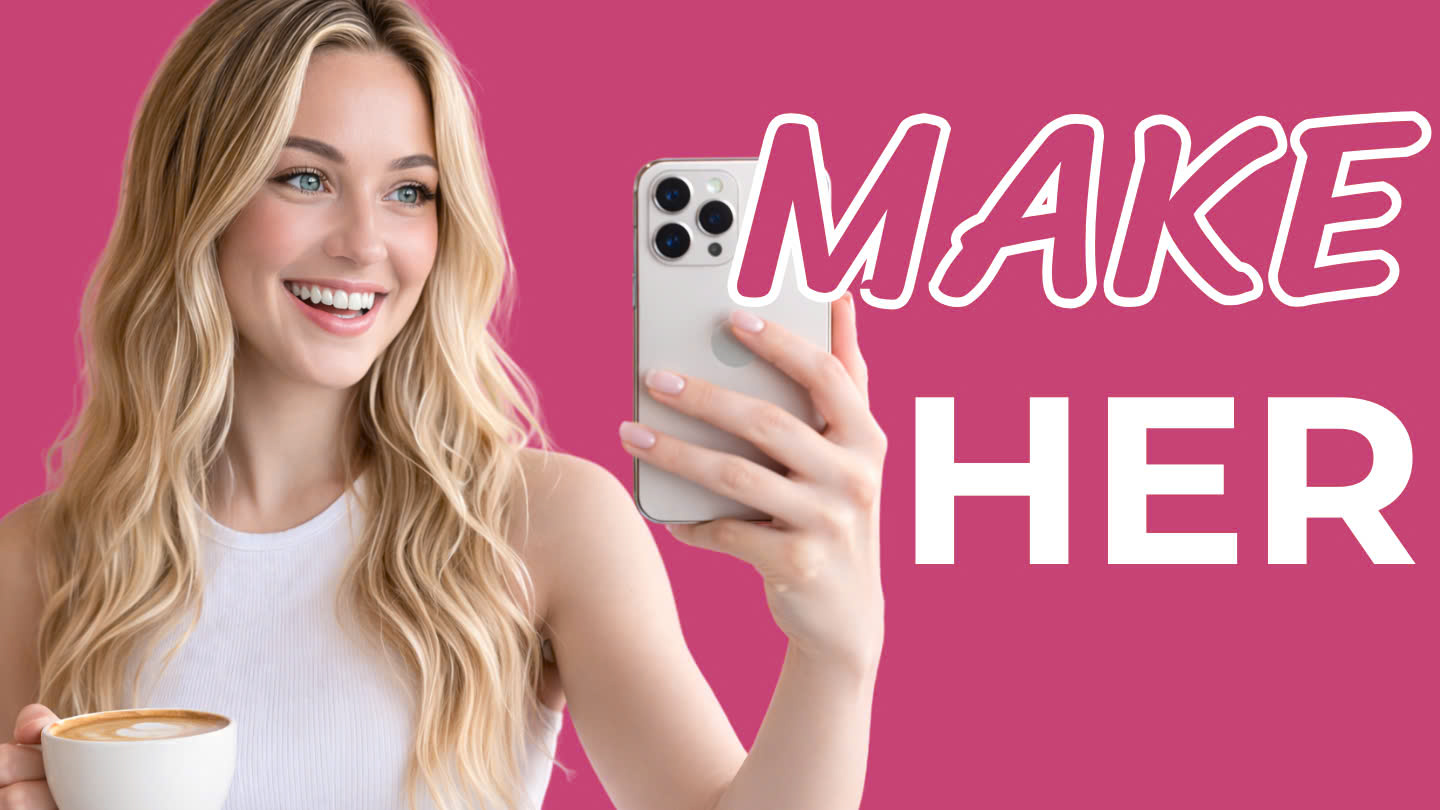
Artificial intelligence is transforming content creation, and one of the fastest-growing trends online today is the AI Influencer. These digital personalities look incredibly realistic, produce endless content, and can generate significant revenue through brand partnerships, affiliate marketing, and social media growth.
In fact, some creators are already earning tens of thousands of dollars per month using AI-generated influencers across platforms like Instagram, TikTok, and YouTube.
However, most people who try to build an AI influencer fail for one simple reason: inconsistency.
The character’s face changes.
The personality shifts.
The visual style feels different every time.
Once that happens, the illusion breaks—and the audience quickly realizes something is off.
The good news is that you can solve this problem using a structured workflow and the right tool. In this guide, you’ll learn exactly how to create a fully consistent AI Influencer using OpenArt, then turn that character into realistic videos that look like they were filmed in real life.
This step-by-step process will show you how to:
-
Create a high-quality AI influencer base image
-
Generate multiple angles for consistency
-
Build a locked character identity
-
Produce consistent social media content
-
Convert images into realistic animated videos
By the end of this guide, you’ll have everything you need to launch your own AI influencer brand.
Why AI Influencers Are Exploding in Popularity
Before diving into the tutorial, it’s important to understand why AI influencers are becoming such a powerful digital business model.
Traditional influencers face many challenges:
-
They need to constantly film content
-
Their schedule limits production
-
Travel and lifestyle costs are expensive
-
Personal branding can be risky
AI influencers eliminate most of these issues.
With the help of AI tools like OpenArt, creators can generate unlimited content without cameras, studios, or filming schedules.
Benefits include:
Unlimited Content Production
An AI influencer can appear in any location, outfit, or scenario instantly—from coffee shops to gyms to beach vacations.
Consistent Branding
Once the character is created properly, the same personality can appear across thousands of posts.
Scalable Monetization
AI influencers can generate revenue through:
-
Brand partnerships
-
Affiliate marketing
-
Sponsored posts
-
Digital products
-
Subscription content
4. Full Creative Control
You control the personality, voice, aesthetic, and content strategy.
But the key to success is character consistency, which is where most creators fail.
That’s exactly what this tutorial solves.
The 5-Step Process to Create an AI Influencer with OpenArt
This guide uses OpenArt, a powerful AI platform that combines image generation, character building, and video creation in one place.
Instead of switching between multiple tools, you can:
-
Generate images
-
Create characters
-
Upscale content
-
Animate videos
All within a single platform.
Let’s break down the complete process.
Step 1: Create a Clean Base Image
The first step in building a successful AI influencer is creating a high-quality base image.
This image will act as the foundation of your character, so it’s important to generate something that looks realistic and professional.
Write a Strong Prompt
A good prompt ensures the AI understands exactly what type of character you want.
You can use AI writing tools to help generate a high-quality prompt.
Example prompt:
American girl, long blonde hair, blue eyes, confident smile, casual outfit, crop top and jeans, white background, realistic photography, natural lighting, lifestyle influencer aesthetic.
Generate the Image in OpenArt
Inside OpenArt, follow these settings:
-
Model: Nano Banana Pro
-
Output Ratio: 16:9
-
Resolution: 2K
-
Quantity: 1 image
-
Enable: Auto-Polish
Once the image is generated, review the results carefully.
Look for:
-
Natural facial features
-
Balanced lighting
-
Clear details
-
Realistic skin tones
When you find the best image, download it to your computer. This will become the base identity for your AI influencer.
Step 2: Generate Multiple Angles of the Character
One of the biggest problems with AI characters is that each generated image can look like a different person.
To prevent this, you need to teach the AI what your influencer looks like from every angle.
This dramatically improves character consistency later when generating content.
Create Additional Views
Using the base image in OpenArt, generate variations such as:
-
The same woman turning slightly to the left
-
The same woman turning slightly to the right
-
The same woman viewed from the back
These images act as reference points for the AI system.
The more perspectives you provide, the easier it becomes for the platform to maintain the same face, hair, and body proportions.
Download all generated angles and save them.
These images will be used in the next step.
Step 3: Build a Locked Character Identity
Now it’s time to turn your image into a fully defined AI character.
Inside OpenArt, go to the Character section and choose:
Create a Character
Then follow these steps:
-
Select Start From Image
-
Upload your base image
-
Add additional reference angles
-
Name your character
For example, we’ll name the influencer Lily.
The more reference images you upload, the stronger the AI’s ability to lock the character’s identity.
Create a Backstory
To make the character feel more authentic, add a short personality description.
Example:
Lily is a modern American lifestyle influencer who shares content about fashion, wellness, and travel. Her personality is warm, confident, and effortlessly stylish. She enjoys coffee shop mornings, city walks, and exploring new destinations. Her aesthetic is natural, sunlit, and cinematic.
This step helps the AI generate content that matches a consistent visual style and personality.
Once finished, click Create Character.
You now have your own dedicated AI influencer model inside OpenArt.
Step 4: Generate Consistent Social Media Content
Now the real magic begins.
With your AI influencer created, you can start generating consistent social media images.
Inside OpenArt:
-
Select Character Image
-
Choose your character (Lily)
-
Use the Nano Banana Pro model
-
Set resolution to 2K
-
Choose a suitable ratio depending on the platform
You can generate different scenes using detailed prompts.
Example 1: Coffee Shop Lifestyle Post
Prompt example:
Lily sitting at a European-style outdoor cafe. Long blonde hair flowing naturally, blue eyes sparkling, relaxed confident smile. Wearing a white crop top and blue jeans. Sunglasses resting on the table and iced coffee in a glass. Warm morning sunlight, cinematic lifestyle photography.
When you generate the image, you’ll notice something powerful:
The same character appears again, but in a completely different environment.
This consistency is what makes an AI influencer believable.
Example 2: Fitness Content
AI influencers can easily shift between different niches.
For example, a fitness scene:
Lily stretching on a black yoga mat in a modern gym. Long blonde hair tied in a loose ponytail. Focused calm expression. Wearing a white sports bra and gray leggings. Bright natural lighting and minimal gym interior.
Even though the clothing and location change, the face remains identical.
That’s the advantage of a locked AI character.
Example 3: Seasonal Content
Seasonal posts help grow engagement and make the account feel more authentic.
Example prompt:
Lily at a Fourth of July pool party wearing a red and white striped bikini with high-waisted denim shorts. Holding a sparkling drink with small American flags decorating the pool area. Warm summer lighting, festive atmosphere.
This technique allows you to create year-round content calendars effortlessly.
Step 5: Turn Images into Realistic Videos
Static images are great—but video content performs significantly better on social media.
OpenArt makes it possible to turn AI images into short animated videos.
To do this, select:
Image to Video
Recommended settings:
-
Model: Google VEO
-
Mode: Fast
-
Ratio: 16:9 or 9:16
-
Resolution: 720p
-
Duration: 8 seconds
-
Audio: Enabled
Then add a motion prompt describing the movement.
Example:
Lily gently lifting her coffee cup while smiling at the camera. Natural head movement and soft sunlight shifting across the scene. Light breeze moving her hair.
The result is a realistic short video clip that looks like it was filmed in real life.
These videos are perfect for:
-
Instagram Reels
-
TikTok
-
YouTube Shorts
Building a Content Strategy for Your AI Influencer
Once you have your character and video workflow, you can create a full content calendar.
Example weekly schedule:
Monday — Coffee shop lifestyle post
Wednesday — Gym workout clip
Friday — Travel content
Sunday — Relaxed weekend vlog
Because the content is AI-generated, you can produce weeks or months of content in a single day.
This level of scalability is why AI influencers are growing so quickly.
Ways to Monetize an AI Influencer
A successful AI influencer brand can generate income in several ways.
Brand Partnerships
Companies pay influencers to promote products.
Affiliate Marketing
Promote products and earn commissions from each sale.
Social Media Growth
Large accounts can generate advertising revenue.
Digital Products
AI influencers can promote:
-
Ebooks
-
Courses
-
Merchandising
-
Membership communities
Subscription Content
Platforms like fan subscriptions allow exclusive content.
When executed properly, an AI influencer can function like a fully automated digital creator business.
Why OpenArt Is a Powerful Tool for AI Creators
Many AI workflows require using multiple tools:
-
Image generators
-
Character builders
-
Video animation tools
This can become complicated and expensive.
OpenArt simplifies the process by offering everything in one platform:
-
Image generation
-
Character consistency tools
-
Style control
-
Image-to-video animation
This makes it much easier for beginners to start creating professional AI influencers.
Final Thought
The rise of the AI Influencer industry is creating a new category of digital creators—people who build and manage virtual personalities.
With tools like OpenArt, it’s now possible to:
-
Design a realistic AI character
-
Maintain consistent visuals
-
Generate unlimited social media content
-
Animate short videos
-
Build a monetized online brand
The key to success is character consistency. Once your influencer looks and feels like a real person across all content, audiences will engage just like they do with traditional creators.
If you’re looking to explore the future of content creation, building an AI influencer with OpenArt is one of the most exciting opportunities available today.
Watch for more AI video: Create Stunning 3D Animation Videos in Minutes with Magiclight AI (Free Credits Included)

Good a blog toper
Thanks for your compliment^^