
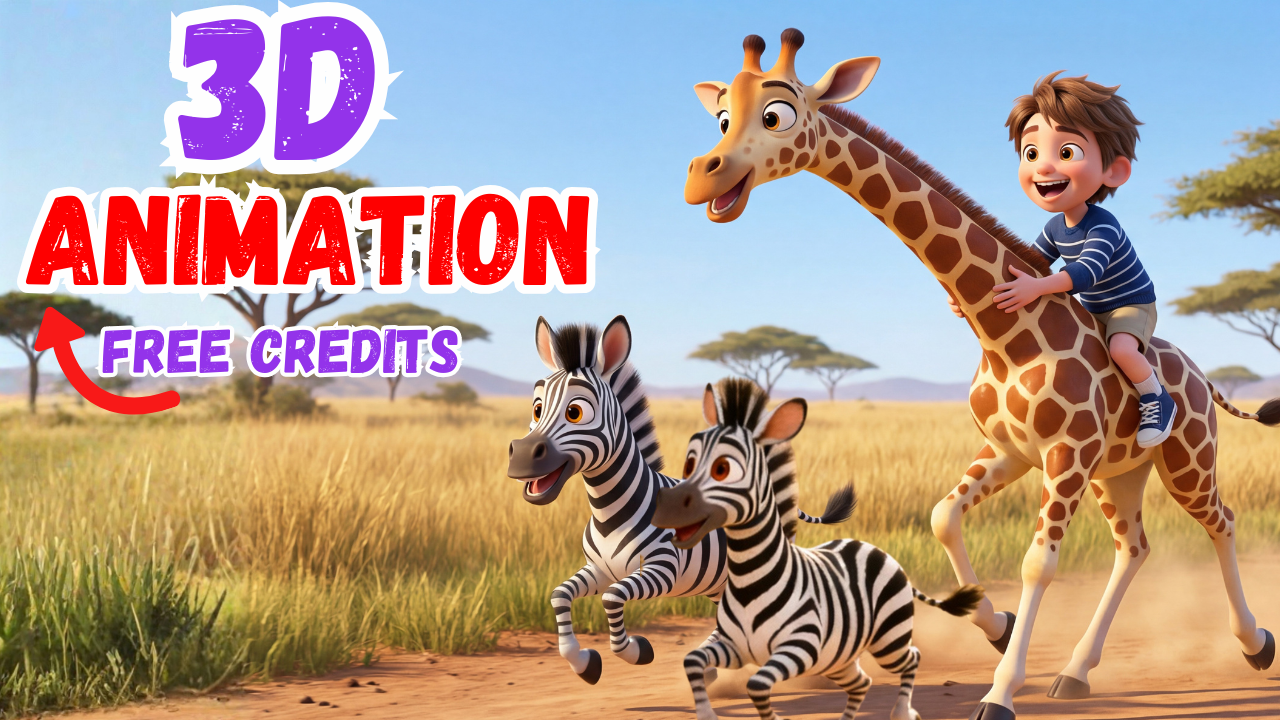
Creating high-quality 3D animation videos used to be expensive, time-consuming, and technically overwhelming. You needed multiple software tools, animation skills, video editing experience, and often a large budget. That barrier has stopped countless creators from turning their ideas into reality.
Today, that barrier is gone.
Thanks to Magiclight AI, anyone can create professional-looking 3D animated videos in minutes — even with zero animation experience. Whether you want to make kids’ songs, storytelling videos, explainer content, or monetize AI-generated videos on platforms like YouTube and TikTok, Magiclight AI simplifies the entire workflow into one powerful platform.
In this guide, you’ll learn exactly how Magiclight AI works, why it’s changing the future of video creation, and how you can use it to create stunning 3D animation videos quickly and affordably.
Why Traditional 3D Animation Is So Hard
Before AI, creating 3D animation required:
-
Multiple software tools (Blender, After Effects, Premiere Pro, etc.)
-
Strong technical knowledge
-
Hours or days of manual work
-
Expensive monthly subscriptions
-
Long learning curves
Many creators give up halfway because the process feels overwhelming. Others burn money testing tools that don’t work well together.
This is exactly the problem Magiclight AI was designed to solve.
Magiclight AI is an all-in-one AI video creation platform that turns ideas into finished videos — from script to animation — in just a few clicks.
Instead of juggling multiple tools, Magiclight AI combines everything into a single dashboard:
-
AI story generation
-
AI music creation
-
AI image generation
-
AI character consistency
-
AI video animation
-
AI editing and exporting
The result? A smooth, beginner-friendly workflow that produces professional results.
Who Is Magiclight AI For?
Magiclight AI is ideal for:
-
YouTube creators
-
Kids content creators
-
Educators and teachers
-
Social media marketers
-
Brand storytellers
-
Entrepreneurs building faceless channels
-
Beginners with no animation experience
If you’ve ever wanted to create 3D animation videos but felt it was too complicated or expensive, Magiclight AI is built for you.
Getting Started with Magiclight AI (Free Credits)
Getting started is simple.
-
Visit the Magiclight AI website
-
Sign in using your Google account
-
Instantly receive free credits to test the platform
New users can also receive bonus credits when binding a payment card, allowing you to experiment with advanced features at minimal cost.
This makes Magiclight AI one of the most accessible AI video tools available today.
An All-in-One AI Video Creation Platform
Magiclight AI isn’t just a video generator — it’s a complete creative system.
Key Features at a Glance
-
AI Video Agent – Plans and structures entire videos automatically
-
Story-to-Video – Turn scripts into animated scenes
-
Kids Story Videos – Perfect for educational and children’s content
-
Image-to-Video – Transform static images into animated visuals
-
AI Characters – Maintain consistent characters across scenes
-
One-Click Video Creation – Generate videos instantly
This flexibility makes Magiclight AI suitable for many content styles and niches.
Creating a Kids 3D Animation Video with Magiclight AI
Let’s walk through a real example: creating a kids song video using 3D animation.
Step 1: Generate Song Ideas with AI
You don’t need to be a songwriter anymore.
You can use AI tools like ChatGPT to generate song ideas and lyrics. For example, you might prompt:
“Create a kid’s song with simple lyrics for American toddlers about their favorite animals.”
Within seconds, you’ll have multiple creative ideas to choose from.
Once you pick your favorite concept, you’re ready to turn it into a video using Magiclight AI.
AI Music Creation Powered by Suno AI
Magiclight AI integrates directly with Suno AI, allowing you to create original music that’s ready for commercial use.
Music Styles You Can Choose From
-
Classic nursery rhymes
-
Energetic pop
-
Silly and fun
-
Lullabies
-
Ballads
For children’s content, classic rhyme styles work perfectly.
Magiclight AI automatically generates multiple versions of the song so you can choose the one that fits best.
Step 2: Turning Lyrics into a 3D Animation Video
Once your song is ready, Magiclight AI walks you through the video setup process.
Video Customization Options
-
Animation style: 3D cartoon, Disney-inspired, Pixar-style
-
Aspect ratio: 16:9 for YouTube, 9:16 for Shorts
-
Language: English and many others
-
Story model: ChatGPT or Gemini
-
Video model: Advanced animation engines like Hyo 2.0
For smooth motion and expressive characters, Hyo 2.0 is an excellent choice for 3D animation.
Previewing and Editing the Storyboard
Before final rendering, Magiclight AI generates a full storyboard.
Each scene includes:
-
A generated image
-
A detailed AI prompt
-
Character descriptions
If something doesn’t look right, you can easily tweak the prompt and regenerate the image — at no additional cost.
This gives creators full creative control without technical complexity.
Consistent AI Characters Across Scenes
One of the biggest challenges in AI video creation is character consistency.
Magiclight AI solves this brilliantly.
Each character includes a visual description embedded directly into the prompt. As long as you follow the structure, your characters will remain visually consistent across every scene.
This is essential for storytelling, branding, and professional-looking 3D animation videos.
Advanced Image Editing with Nano Banana
Magiclight AI integrates with Nano Banana, Google’s AI image editor.
If an image detail feels off — maybe an extra object or incorrect element — you can fix it instantly by typing what you want to remove, add, or change.
No Photoshop required.
Animating Scenes with AI
Once images are finalized, it’s time to animate.
Animation Options
-
Animate a single scene
-
Animate all scenes at once
-
Let AI handle motion automatically
-
Use custom motion prompts for precise control
Magiclight AI’s animation models are designed to handle complex physical movements smoothly, making your 3D animation videos feel lively and professional.
Final Video Settings and Export
At the final stage, you can:
-
Choose a cover image
-
Add a video title
-
Select font styles for titles and subtitles
Once everything looks good, click Generate, and Magiclight AI renders the final video.
You can download both:
-
The full video
-
Individual images
If you need changes later, editing is always available.
Monetization Opportunities with Magiclight AI
Magiclight AI opens the door to multiple income streams:
-
YouTube ad revenue
-
Kids content channels
-
Educational videos
-
Explainer videos
-
Faceless content automation
-
Freelance video services
Because the videos are commercial-use ready, you can monetize confidently.
Magiclight AI Content Creation Contest (Over $100,000 in Prizes)
Magiclight AI recently launched its first global content creation contest, offering over $100,000 in prizes.
Contest Highlights
-
Open worldwide
-
Individuals and teams allowed
-
Video length: 1–120 minutes
-
Up to 10 submissions per creator
-
Each video can enter multiple categories
This dramatically increases your chances of winning.
Creators aged 13–17 can participate with parental permission.
How to Join the Magiclight AI Contest
Step 1: Create Your Video
Use Magiclight AI and export your video with the official contest watermark.
Step 2: Share Your Video
Post on platforms like YouTube, TikTok, Instagram, X (Twitter), or Reddit.
Tag official Magiclight AI accounts and include contest hashtags.
Step 3: Submit the Entry
Fill out the official submission form and you’re in.
It’s that simple.
Why Magiclight AI Is the Future of 3D Animation
Magiclight AI removes every traditional obstacle:
-
No technical animation skills required
-
No expensive software
-
No long production timelines
-
No complicated workflows
By combining AI storytelling, music, image generation, and 3D animation into one platform, Magiclight AI empowers creators at every level.
Final Thoughts
If you want to create professional 3D animation videos quickly, affordably, and at scale, Magiclight AI is one of the most powerful tools available today.
Whether you’re building a YouTube channel, teaching kids, creating branded content, or exploring AI-driven income streams, Magiclight AI gives you everything you need — all in one place.
Now is the perfect time to start creating.
👉 Watch the Next Video in the Series: Create Stunning 3D Animation Stories with Magiclight AI

A really good blog and me back again.
Thank you. Hope it help you. Wishing you all the best
每天都在战争,希望2026和平.
Totally agree. Have a happy day 😀