
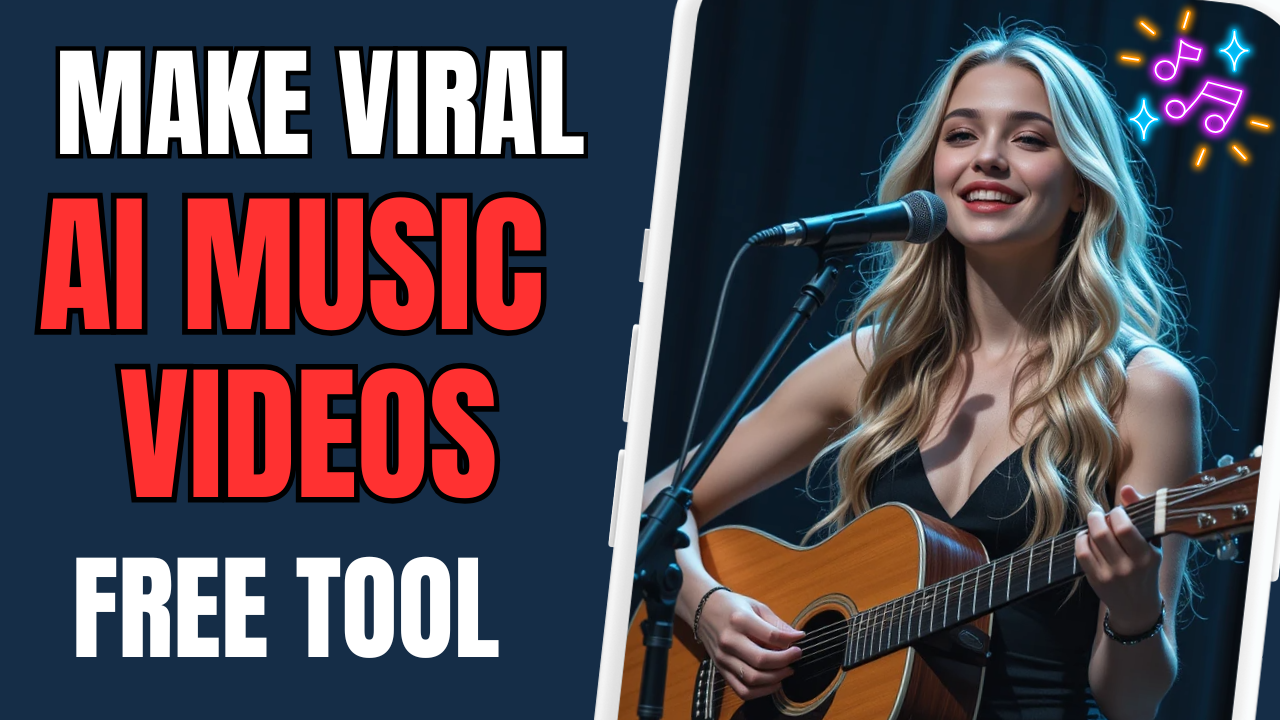
The Rise of AI Music – Your Shortcut to Viral Success
Imagine launching a brand-new YouTube channel and hitting 157,000 subscribers and 84 million views in just a few weeks — without filming, without singing, and without knowing how to edit.
Sounds unreal? It’s not. Welcome to the world of AI music.
With tools like SUNO AI, ChatGPT, and free video editing software, you can now create stunning, viral music videos — even if you have zero creative experience. These videos are short (15–20 seconds), insanely catchy, and best of all, they can be monetized.
In this guide, you’ll learn step-by-step how to create viral AI music videos that can rack up views on YouTube Shorts, Instagram Reels, and TikTok — and make real money while you’re at it.
Let’s dive in.

Step 1: Generate Catchy Lyrics with ChatGPT
Creating lyrics is usually the hardest part of songwriting. But with ChatGPT, it’s effortless.
Here’s how:
-
Pick a trending YouTube song or TikTok hit.
-
Ask ChatGPT to generate similar lyrics using a prompt like:
“I want to create a love song, please imitate Lady Gaga – Always Remember Us This Way, link
Put link here
Soulful and infectious, a song that young people like.
Then give me some suggestions on the styles to use in SUNO”
-
In seconds, you’ll have fresh, original lyrics perfect for AI music creation.
You don’t need to be a poet. Let the AI do the creative work for you.
Step 2: Turn Lyrics into AI Music with SUNO AI
This is where the magic happens.
SUNO AI is a cutting-edge tool that converts your lyrics and musical style into full songs — complete with vocals and instrumentation.
How to use SUNO AI:
-
Go to suno.ai and sign in with Google, Microsoft, or email.
-
Click “Create a Song.”
-
Paste the lyrics you created with ChatGPT.
-
Add a style prompt like:
“Romantic indie pop with acoustic guitar”
(Need help? Ask ChatGPT for suggestions!) -
Hit Generate.
Within seconds, SUNO AI will deliver two versions of your custom song. Listen, choose your favorite, and download it to your computer.
🎧 Pro Tip: Upgrade to SUNO Pro if you’re planning to publish your music on YouTube or monetize. It ensures you avoid copyright issues and unlocks higher-quality audio.
Step 3: Create Eye-Catching Visuals (No Camera Needed)
You don’t need to film anything. Instead, use AI to generate stunning visuals that grab attention and match your music’s vibe.
Use ChatGPT to Create an Image Prompt:
Ask ChatGPT:
“Refer to the prompt below and give me 10 similar prompts for AI. You can only change the character’s hair color and clothing, and keep everything else the same.
A young woman with long, wavy blonde hair, wearing a form-fitting black mini dress and sheer black tights, sits gracefully on a stool while playing an acoustic guitar. Her eyes are opened, inspired with a soft, serene smile, conveying deep emotion. A professional microphone stands in front of her, suggesting a live performance. The background is minimalist and dark blue, with cinematic soft lighting focused on her face, hair, and hands. High detail, shallow depth of field, intimate and moody atmosphere. No text, no distractions.”
You’ll get a detailed prompt perfect for AI image tools.
Step 4: Generate Images with Piclumen AI
Piclumen AI is a free and easy platform to turn your prompt into high-quality, vertical images — perfect for short-form videos.
Steps:
-
Visit Piclumen AI and Launch App.
-
Log in with Google.
-
Click “Create” and choose the PLM art v1 model.
-
Set image ratio to 9:16 (ideal for Shorts, Reels, TikTok).
-
Paste your image prompt and hit Generate.
Just like that, you’ll have a cinematic portrait or stage scene — no photoshoot required.
Step 5: Create a Lip Sync Video with Dreamina AI
This is where your visuals come to life. Dreamina AI takes your static image and syncs it perfectly with your AI-generated music — creating the illusion of a real singer performing the song.
How to use Dreamina AI:
-
Go to dreamina.ai and click “Lip Sync.”
-
Choose Master Mode.
-
Upload your AI-generated image and SUNO audio.
-
Trim the song to around 15 seconds (you can use CapCut or let Dreamina do it).
-
Click Generate.
In just a few minutes, Dreamina produces a fully lip-synced video that looks professionally edited — completely for free.
💡 Bonus: Dreamina gives you 120 free credits per day, enough to create several videos daily.
Step 6: Final Touches in CapCut (Optional but Powerful)
To polish your video before posting, use CapCut — a free and beginner-friendly video editor.
Quick Edits to Do:
-
Import the video and add it to your timeline.
-
Crop out watermarks if needed by zooming in slightly.
-
Use Auto Captions and select the Lyrics mode instead of subtitles. This makes it feel like a real music video.
-
Add background effects, filters, or soft transitions to boost visual appeal.
Export your final video — you’re now ready to post!
Step 7: Upload & Monetize on YouTube Shorts or TikTok
Now that you have a viral-worthy music video, it’s time to publish and grow.
Best Platforms:
-
YouTube Shorts
-
TikTok
-
Instagram Reels
-
Facebook Reels
Optimization Tips for Monetization:
-
Add keyword-rich titles and tags:
“Emotional AI Music Video | Dreamy Indie Pop | SUNO AI” -
Use relevant hashtags:
#AIMusic #SUNOAI #ViralShorts #IndiePop -
Enable monetization settings on your account.
-
Post consistently — ideally 1–2 Shorts per day.
-
Cross-promote on platforms and link back to a playlist or main channel.
🚀 Did You Know? YouTube now shares ad revenue on Shorts with eligible creators. The more viral videos you publish, the more chances to earn.
Why AI Music Videos Are the Next Big Thing
-
No skill barrier: You don’t need to sing, film, or produce music yourself.
-
Massive virality potential: Short-form content + catchy AI music = shareable gold.
-
Scalable & monetizable: You can create multiple videos daily and build a content library that grows over time.
-
AI uniqueness: Content made with SUNO AI and Dreamina is less likely to trigger copyright issues if you use the right tools and licenses.
AI music is not just a trend — it’s a new creative economy. You’re getting in early, and the opportunities are limitless.
Final Thoughts: Start Creating AI Music Today
If you’ve been sitting on the sidelines waiting to start a YouTube channel, build your brand, or explore passive income — this is your moment.
You don’t need a studio.
You don’t need a production team.
You don’t even need experience.
All you need is:
-
✅ ChatGPT – to write lyrics.
-
✅ SUNO AI – to create music.
-
✅ Piklon AI – to design images.
-
✅ Dreamina AI + CapCut – to make viral videos.
And best of all? You can monetize it.
