
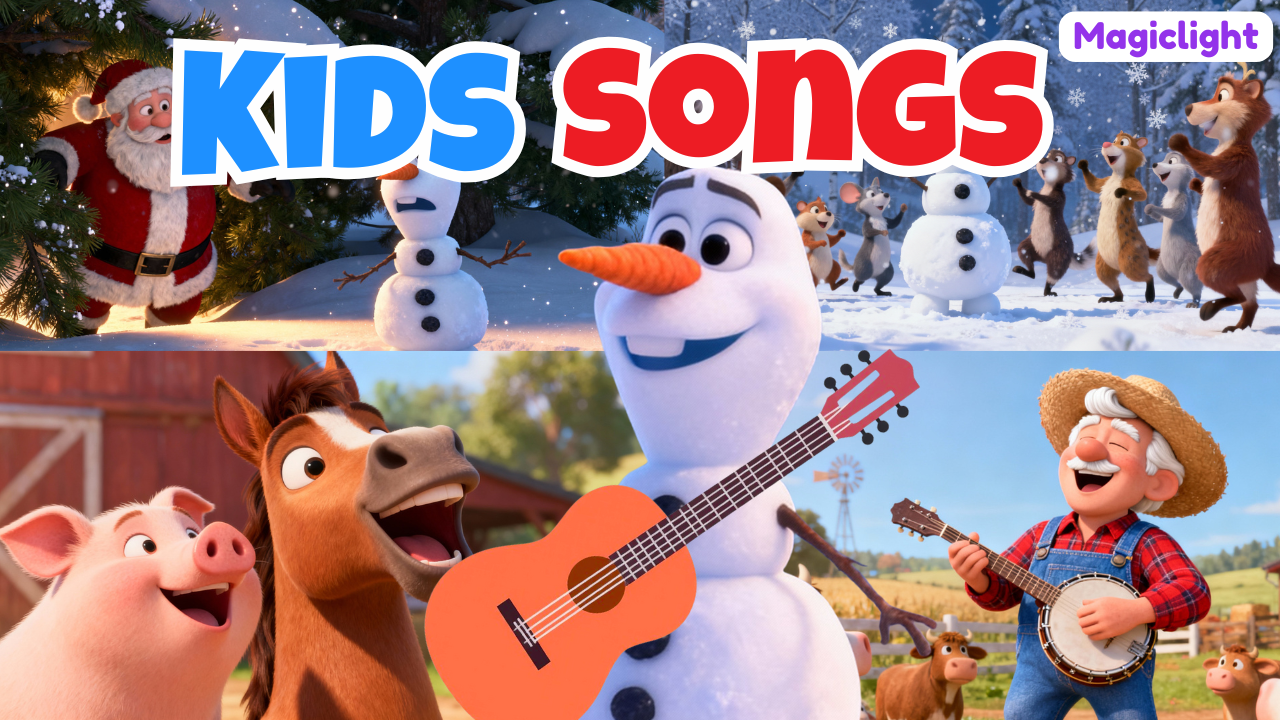
In this step-by-step beginner guide, you’ll learn exactly how to use Magiclight AI to create fully animated, monetizable kids song videos—even if you have zero experience in animation, music production, or video editing.
Creating kids songs with colorful visuals, catchy melodies, and smooth 3D animation used to require an entire production team—songwriters, animators, video editors, and expensive software. Today, thanks to Magiclight AI, anyone can create professional-quality children’s music videos using just one AI tool.
Whether your goal is to grow a YouTube channel, create educational content, or build a passive income stream, this guide will walk you through the entire process from idea to finished video.
Why Kids Songs Are Perfect for AI Video Creation
Before we dive into the technical steps, let’s talk about why kids songs are one of the best niches for AI-generated content.
1. Massive Demand on YouTube
Children’s music channels consistently receive millions to billions of views. Songs like Old MacDonald, Baby Shark, and Twinkle Twinkle Little Star dominate search results year after year.
2. Evergreen Content
Kids don’t “outgrow” these songs collectively. New generations of toddlers are always discovering the same classic melodies.
3. Simple Structure
Children’s songs use:
-
Short lyrics
-
Repetition
-
Simple melodies
-
Bright visuals
These elements are perfect for AI generation, especially when combined with 3D animation.
4. Monetization-Friendly
Well-produced kids songs can be monetized through:
-
YouTube AdSense
-
Licensing
-
Educational platforms
-
Brand partnerships
Magiclight AI is designed to make this process easy and beginner-friendly.
Magiclight AI is an all-in-one AI-powered content creation platform that allows users to generate:
-
Kids songs
-
3D animated videos
-
Story-based videos
-
Character animations
-
Music videos with commercial-use rights
Unlike traditional workflows that require multiple tools (music generators, animation software, video editors), Magiclight AI combines everything into one simple dashboard.
Key Features of Magiclight AI
-
AI-generated kids songs (powered by Suno AI)
-
3D cartoon animation styles (Pixar, Disney-style, etc.)
-
Consistent AI characters across scenes
-
Image-to-video animation
-
Built-in editing and regeneration tools
-
Support for modern AI video models
-
Commercial-use ready outputs
Step 1: Sign Up and Explore the Magiclight AI Dashboard
To get started, visit Magiclight AI and sign in using your Google account. The process is quick and beginner-friendly.
Once logged in, you’ll usually receive free credits, allowing you to test the platform without any upfront cost.
The Creation Center Overview
Inside the dashboard, you’ll see multiple creation options, including:
-
Story to Video – Turn ideas into full scripts and videos
-
Kids Story (One Click) – Create long children’s stories up to 50 minutes
-
Kids Video Song – Generate children’s music and animated videos
-
Image to Video – Animate static images
-
AI Character – Create consistent characters
-
Character Vlogs – Animated talking characters
For this tutorial, we’ll focus on Kids Video Song, the best option for creating animated children’s music.
Step 2: Create a Kids Song Using a Popular Template
Magiclight AI makes it incredibly easy to start by offering popular kids song templates that already have proven engagement.
Example: Old MacDonald Had a Farm
Choosing a well-known song gives you:
-
Familiar structure
-
High search demand
-
Strong retention
Once selected, Magiclight AI displays the lyrics and lets you customize the video style.
Step 3: Choose Your 3D Animation Style
This is where the magic really happens.
Magiclight AI offers multiple animation styles, including:
-
3D Cartoon
-
Pixar-style
-
Disney-inspired visuals
For kids songs, Pixar-style 3D animation works exceptionally well because it:
-
Looks friendly and professional
-
Appeals to both kids and parents
-
Performs well on YouTube
You’ll also choose:
-
Aspect ratio (16:9 for YouTube, 9:16 for Shorts)
-
Language (English recommended for global reach)
Step 4: Select AI Models for Best Results
Magiclight AI allows you to choose different AI models depending on your needs.
Recommended Settings for Beginners
-
Story Model: ChatGPT or Gemini
-
Video Model: Hiluo 2.0
Hiluo 2.0 is ideal for kids songs because it creates:
-
Smooth character movement
-
Natural transitions
-
High-quality 3D animation without high costs
Once everything is set, click Create Full Video and let the AI do the work.
Step 5: Review and Download Your Kids Song Video
After a few minutes, your fully animated kids song video is ready.
You can:
-
Preview the video
-
Download the final version
-
Download individual images
-
Edit scenes if needed
This alone can save dozens of hours compared to traditional animation workflows.
Step 6: Edit Scenes and Maintain Character Consistency
One of Magiclight AI’s most powerful features is character consistency.
Each scene includes a detailed prompt describing the character’s visual design. To keep characters consistent:
-
Copy the character name and description
-
Paste it into any new scene prompt
-
Make changes only after the description
This ensures your character looks the same throughout the entire video—crucial for kids content.
Step 7: Animate Individual Scenes
Want more control over your 3D animation?
Magiclight AI lets you animate scenes individually:
-
Choose an animation model
-
Let AI animate automatically
-
Or add a custom motion prompt
This is perfect if you want characters to:
-
Dance
-
Jump
-
Clap
-
Interact with objects
Step 8: Fix Images with Nano Banana Editor
Magiclight AI integrates with Nano Banana, Google’s AI image editor.
If something doesn’t look right:
-
Click Nano Banana
-
Describe what you want to add, remove, or change
-
Instantly regenerate the image
Example:
“Add green grass to the ground”
“Remove extra objects from the background”
This makes fine-tuning visuals extremely easy—even for beginners.
Step 9: Create Original Kids Songs with AI
In addition to templates, you can create original kids songs from scratch.
How It Works
-
Click Create Music
-
Enter a simple idea (example: “A fun Christmas song for toddlers”)
-
Choose a genre (e.g., silly, playful, educational)
-
Magiclight AI generates multiple song versions
You can even use ChatGPT to help generate prompt ideas if you’re stuck.
Step 10: Turn Your Song into a 3D Animated Video
Once you select your favorite song:
-
Review the lyrics
-
Choose animation style
-
Select video model
-
Click Create Full Video
After a few minutes, you’ll have a complete kids song video with:
-
Original music
-
Lyrics
-
3D animated visuals
Monetizing Kids Songs Created with Magiclight AI
Magiclight AI videos are commercial-use ready, which means you can monetize them legally.
Popular monetization methods include:
-
YouTube AdSense
-
Kids YouTube channels
-
Educational apps
-
Licensing music content
-
Social media video platforms
With consistency, kids songs can become a powerful long-term income source.
Final Thoughts: Is Magiclight AI Worth It?
If you want to create kids songs with 3D animation quickly and affordably, Magiclight AI is one of the best beginner-friendly tools available today.
Why Magiclight AI Stands Out
-
No animation skills required
-
No music production experience needed
-
One platform instead of many tools
-
High-quality 3D animation
-
Commercial-use ready content
For creators, educators, and entrepreneurs, Magiclight AI removes the biggest barriers to entry and opens the door to scalable content creation.
Start Creating Kids Songs Today
If you’ve been overwhelmed by complex tools or expensive subscriptions, Magiclight AI offers a simple, powerful alternative. With just one idea, you can create professional kids songs, animated in stunning 3D, and ready to publish worldwide.
Now is the perfect time to start.
